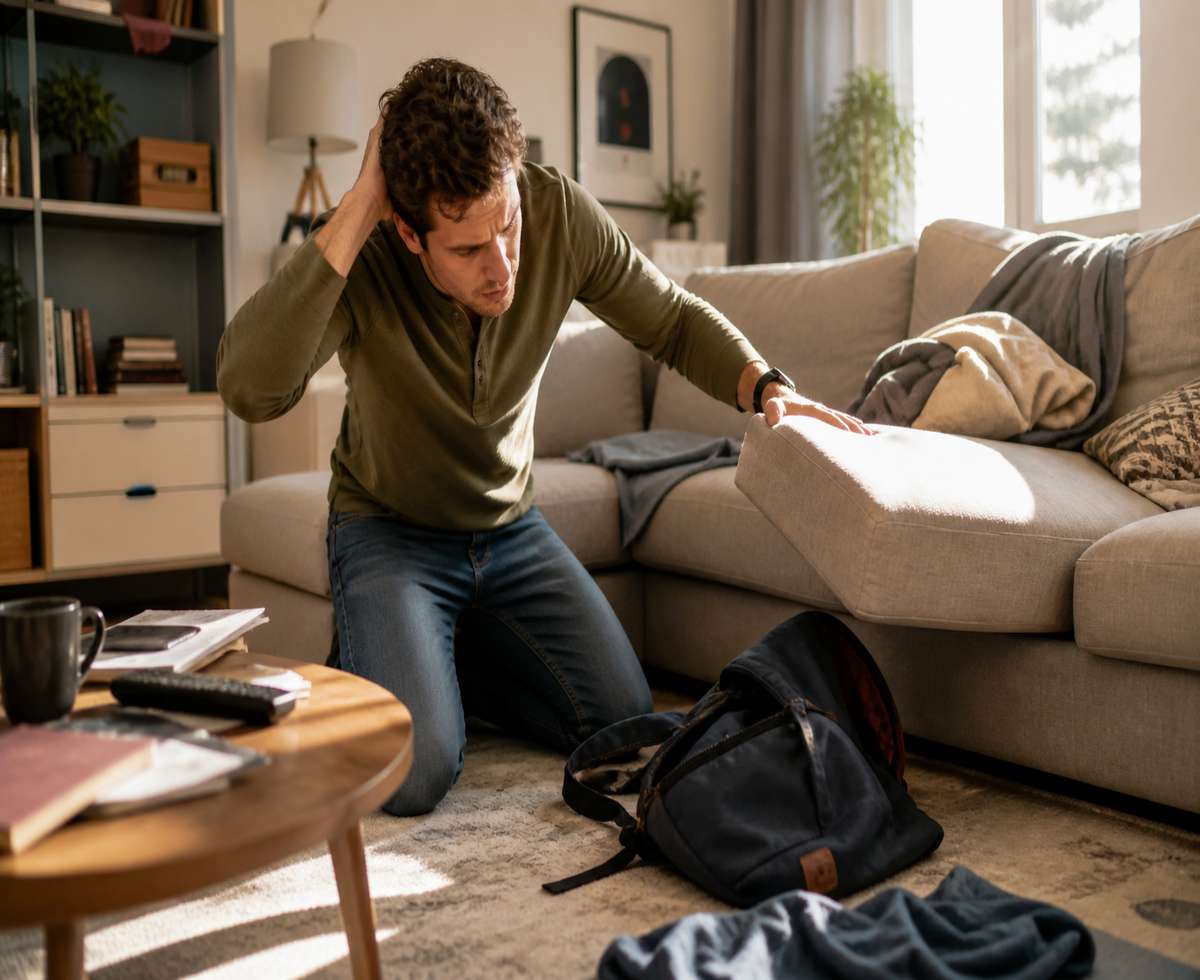

Misplacing your headphones is surprisingly easy. It usually happens in small moments — you take them off at a café, leave them in a gym locker, or forget them in a bag you don’t use often. Beats headphones, especially wireless models, are no exception.
The good news is that finding them isn’t always as difficult as it first feels. In many cases, you can track them using built-in tools or narrow down their location with a few practical steps. What works best depends on one key factor: whether your headphones are still connected or were recently connected to your device.
In this guide, we’ll walk through simple, realistic ways to find your lost Beats headphones. We’ll start with tracking features like Apple’s Find My, then move into manual methods that are often just as effective in real-world situations.
Can You Track Beats Headphones?
Yes — most modern Beats headphones can be tracked, but there are some limitations worth understanding.
Newer Beats models are integrated with Apple’s ecosystem, which means they can work with the Find My app. This allows you to see their last known location and, in some cases, play a sound to help locate them nearby.
However, Beats headphones do not have built-in GPS. This is important. They don’t continuously transmit their location on their own.
Instead, tracking works in a more indirect way:
- The headphones share their location when connected to your phone
- The app shows the last place they were detected
- Nearby tracking works only within Bluetooth range
So while tracking is useful, it’s not perfect. Think of it as a helpful starting point rather than a guaranteed recovery tool.
Use Find My to Locate Beats Headphones (iPhone & iPad)
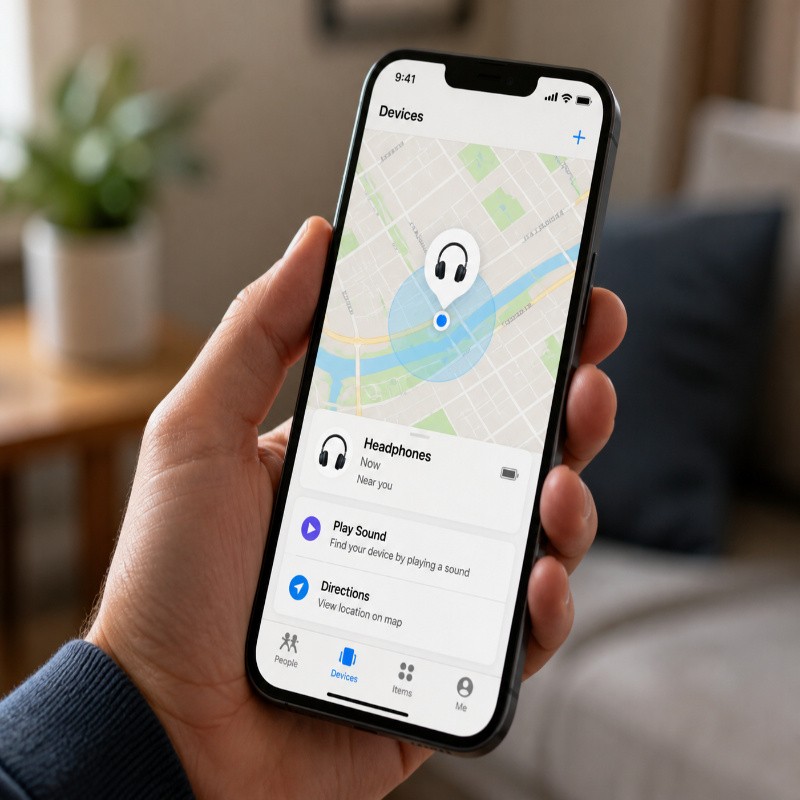
If you use an iPhone or iPad, this is the first place to check. Apple’s Find My app is the most reliable way to locate compatible Beats headphones.
Step-by-Step: How to Check Location
Start by opening the Find My app on your device. Once inside, follow these steps:
- Tap on the Devices tab
- Look for your Beats headphones in the list
- Select them to view their details
- Check the map for their last known location
If your headphones were recently connected, you’ll usually see a fairly accurate location. This could be your home, office, or the last place you used them.
Play a Sound to Find Them Nearby
If the headphones are somewhere close — for example, in the same room or nearby — you can use the Play Sound feature.
This sends an audio signal to the headphones, making them easier to find. It’s especially useful if they’re hidden under cushions, inside a bag, or between furniture.
There are a couple of limitations to keep in mind:
- The headphones must be powered on
- They need to be within Bluetooth range
If the battery is dead or they’re too far away, this feature won’t work. In that case, you’ll need to rely on the last known location instead.
Understanding “Last Seen” Location
One detail that often causes confusion is the “last seen” status.
This doesn’t mean your headphones are actively being tracked in real time. Instead, it shows the last location where they were connected to your device or detected by the Find My network.
For example, if you used your headphones at a café and then lost them, the app will likely show that café as the last known location.
From there, your next step becomes more practical — retracing your steps and checking that location carefully.
How to Find Beats Headphones on Android
If you’re using an Android phone, the process is a bit more limited. Beats headphones are closely tied to Apple’s ecosystem, so features like Find My are not available natively on Android devices.
That said, you still have a few practical options. They’re not as seamless, but in many cases, they’re enough to help you narrow things down.
Understand the Limitations First
Unlike on iPhone, there’s no built-in system that shows your Beats headphones on a live map. You won’t get a “last seen” location through a default Android feature.
This means the approach shifts from tracking to detection and recall. You’re essentially trying to reconnect or retrace rather than track remotely.
Check Bluetooth Connection Status
Start with the simplest step. Turn on Bluetooth and check if your headphones appear in the list of available or previously connected devices.
- If they connect automatically, they’re nearby
- If they appear intermittently, you may be close but not quite there
- If they don’t appear at all, they’re either out of range or powered off
This method works best indoors, where you can move room by room and watch for a connection.
Use a Bluetooth Scanner App
There are third-party apps on Android that can scan for nearby Bluetooth devices and estimate signal strength. These apps don’t show a map, but they can help you gauge distance.
Typically, they work like this:
- You walk around slowly with the app open
- The signal strength increases as you get closer
- You use that signal to guide your search
It’s not perfectly accurate, but in smaller spaces, it can be surprisingly useful.
Retrace Your Steps Manually
Without built-in tracking, this becomes one of the most effective methods.
Think about the last time you used your headphones and build a simple timeline:
- Where were you?
- What were you doing?
- What happened right after you took them off?
This kind of recall often leads you back to the right place faster than expected.
If Your Beats Headphones Are Offline or Dead
This is a very common situation. If your headphones run out of battery, they stop broadcasting any signal. That means no Bluetooth detection and no active tracking.
At this point, even apps like Find My can only show the last known location, not where they are right now.
So the process shifts from digital tracking to a more practical, hands-on search.
Start with the Last Known Location
If you have any record of where the headphones were last connected, begin there. This could come from memory or, in some cases, from a tracking app.
Focus your search on that area before expanding outward.
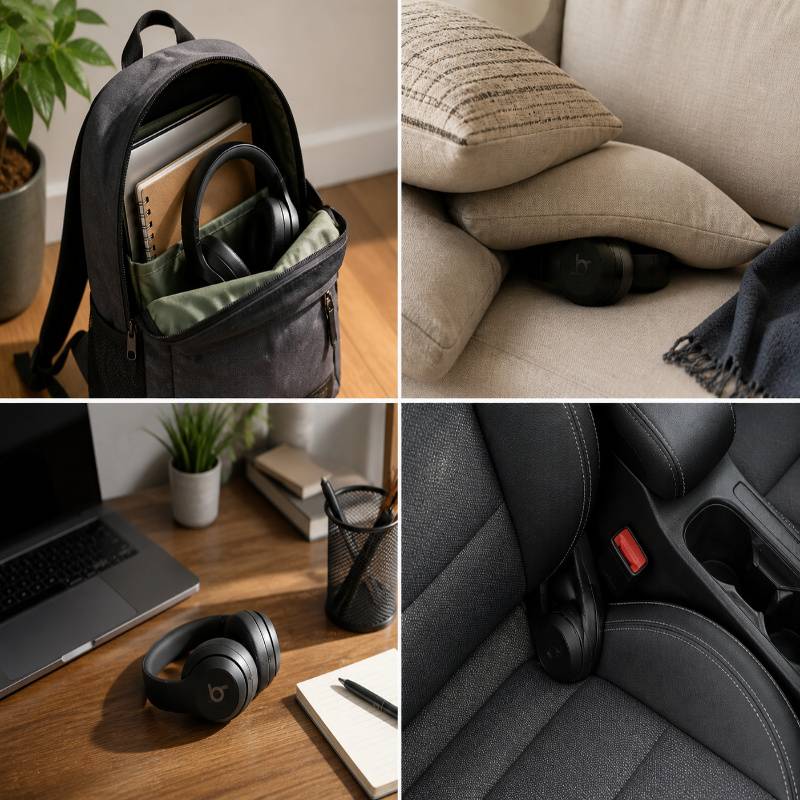
Check Common Places First
It sounds obvious, but it works. Most lost headphones aren’t truly “lost” — they’re just misplaced.
Start with places where headphones often end up:
- Inside backpacks or laptop bags
- Under cushions or beds
- On desks or shelves
- In your car, especially between seats
- Gym lockers or jacket pockets
Take your time here. A careful search is usually more effective than rushing through multiple areas.
Use the Timeline Method
If checking common places doesn’t help, step back and think through your day.
Try to reconstruct events in order:
- When did you last use the headphones?
- Where did you go afterward?
- Did you carry them, or put them away?
This method often reveals small details you might have missed earlier.
Use Bluetooth Range to Narrow Down Location
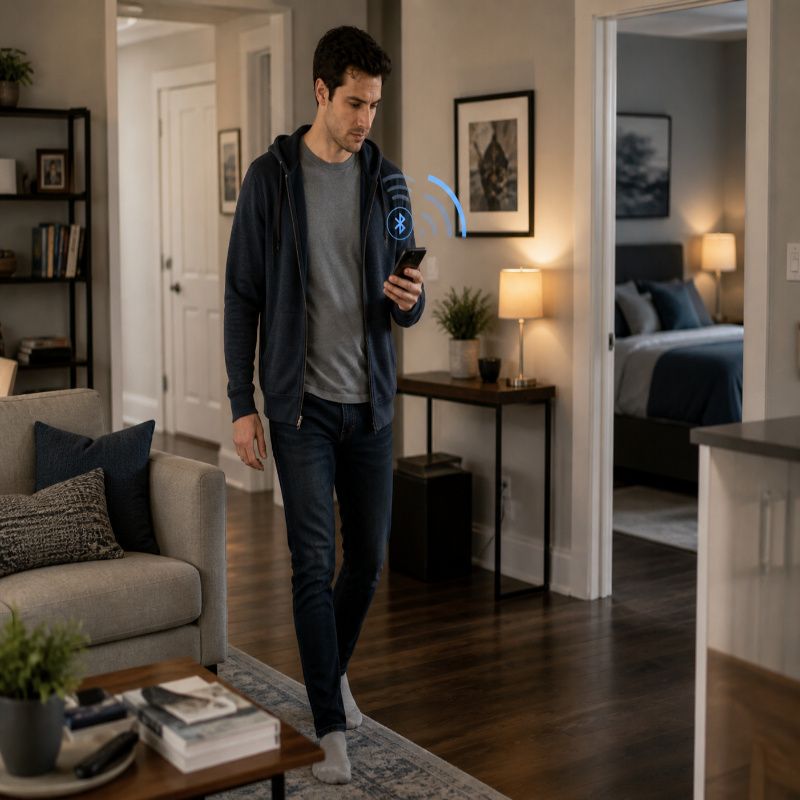
Even without advanced tracking, Bluetooth can still help you locate your headphones — as long as they have some battery left.
Bluetooth typically works within a short range, usually around 10 to 30 feet (3 to 10 meters), depending on obstacles and environment.
You can use this to your advantage.
How to Use Bluetooth to Search
- Turn on Bluetooth on your phone
- Go to your list of previously connected devices
- Walk slowly through your space
- Watch for your Beats headphones to reconnect
If they suddenly connect, you’re close. From there, you can narrow it down by moving slowly and paying attention to where the signal becomes stable.
This method works especially well indoors, where the search area is limited.
Just keep in mind that walls, furniture, and other electronics can slightly affect signal strength, so don’t rely on it as an exact measurement.
Enable Lost Mode (If Available)
If your Beats headphones are linked to Apple’s ecosystem, you may have access to a feature called Lost Mode through the Find My app. While it’s more commonly associated with devices like iPhones or AirPods, it can still be useful in certain cases.
Lost Mode doesn’t actively track your headphones, but it adds a layer of protection and increases your chances of recovery.
How Lost Mode Helps
- You can mark your headphones as lost
- You may be able to add contact details
- If someone finds them, they can see how to reach you
This feature is most helpful if your headphones were lost in a public place, such as a café, airport, or office.
To enable it, open the Find My app, select your headphones, and look for the option to mark them as lost. If it’s available for your model, it’s worth turning on.
What to Do If You Still Can’t Find Them
If you’ve tried tracking, Bluetooth scanning, and manual searching without success, don’t assume they’re gone for good just yet. There are still a few practical steps that often work.
Check Places You Recently Visited
Go back to the locations you visited when you last used your headphones. Focus on places where you might have taken them off.
- Cafés and restaurants
- Offices or meeting rooms
- Gyms or locker areas
- Public transport or ride services
Ask staff if anything was turned in. Many lost items are held for a short period before being cleared out.
Ask or Report a Lost Item
If revisiting in person isn’t possible, try calling the location. A quick check with staff can save you a lot of time.
In some cases, especially in workplaces or gyms, there may be a lost-and-found system. It’s worth reporting your item even if nothing has been found yet.
Check with People Around You
If you were with friends, colleagues, or family when you last used your headphones, ask if they’ve seen them. Sometimes someone picks them up for safekeeping without mentioning it immediately.
Consider Replacement (If Necessary)
If enough time has passed and all options are exhausted, you may need to consider replacing your headphones.
Before doing that, double-check your usual storage areas one more time. It’s surprisingly common to find them later in a place you’ve already looked — just not carefully enough the first time.
Tips to Avoid Losing Your Beats Headphones Again
Once you’ve gone through the process of losing and searching for your headphones, it’s worth putting a few simple habits in place to avoid repeating it.
Keep Them in a Case
Whenever you’re not using your headphones, store them in their case. This reduces the chances of leaving them behind or placing them somewhere random.
Use a Consistent Storage Spot
At home or at work, choose a specific place where your headphones always go. It could be a desk drawer, a hook, or a section of your bag.
This small habit makes a big difference over time.
Enable Tracking Features Early
If your headphones support Find My or similar features, set it up as soon as you start using them. It’s much easier to locate a device when tracking is already enabled.
Rename Your Device
Giving your headphones a clear, recognizable name can help when scanning for Bluetooth devices. It makes identification quicker, especially in places with many nearby devices.
Do a Quick Check Before Leaving
Before leaving a place, take a moment to check your essentials — phone, wallet, and headphones. This simple routine can prevent most loss situations.
Final Thoughts
Losing your Beats headphones can be frustrating, but in many cases, they’re not far away. Whether you use tracking features like Find My or rely on simple methods like retracing your steps, there’s a good chance you can recover them.
The key is to start with the tools available to you, then move into a more practical search if needed. Often, it’s a combination of both that leads to success.
And once you find them, a few small habits can make sure you don’t have to go through the same process again.