
If you’re trying to stop an Audible charge, you’re not alone. Sometimes it’s a budgeting thing. Sometimes you just… aren’t listening right now. And sometimes you signed up in a hurry, the renewal hit, and now you want a clean exit.
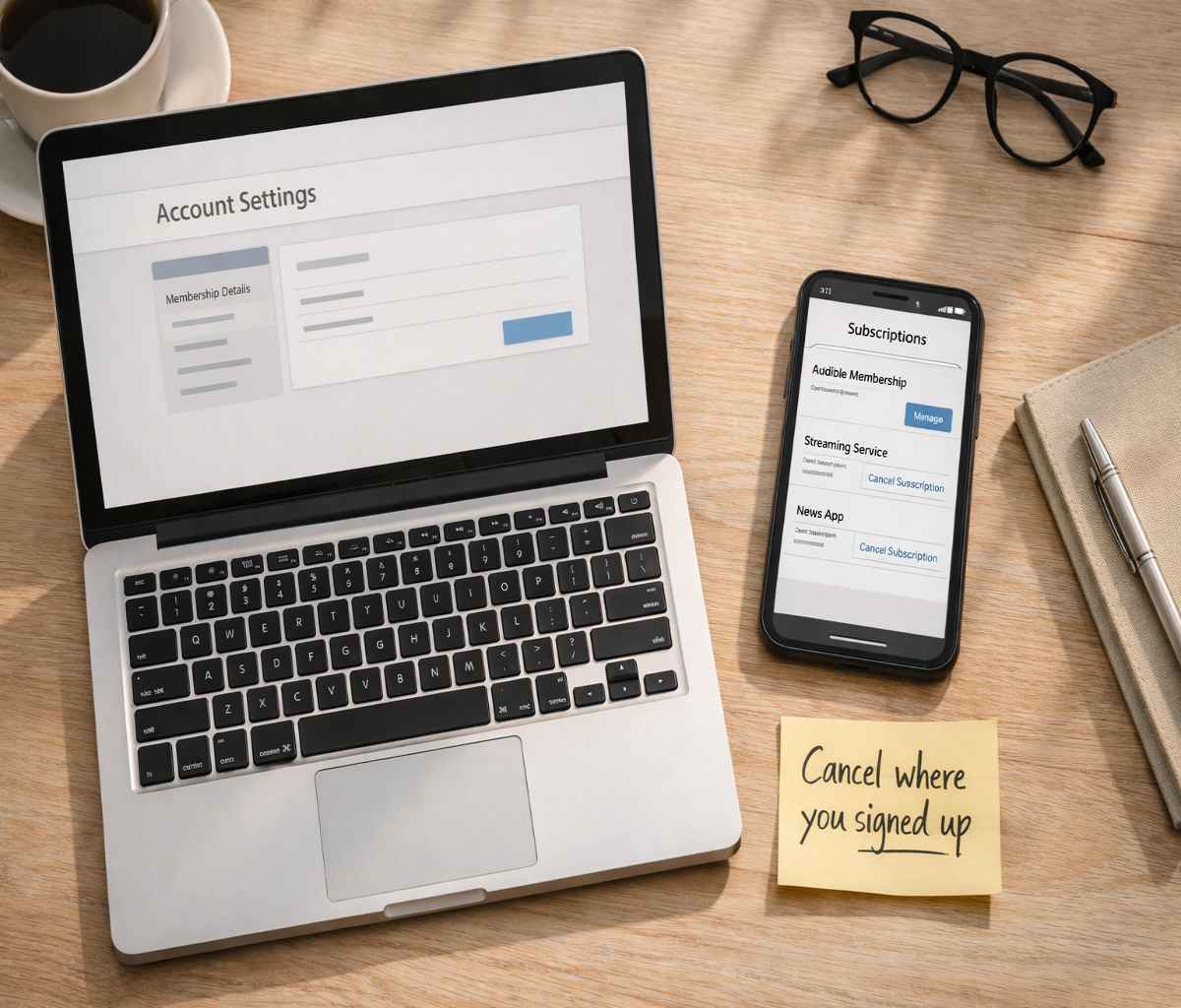
Here’s the part that trips people up: the steps for how to cancel audible membership depend on where you subscribed.
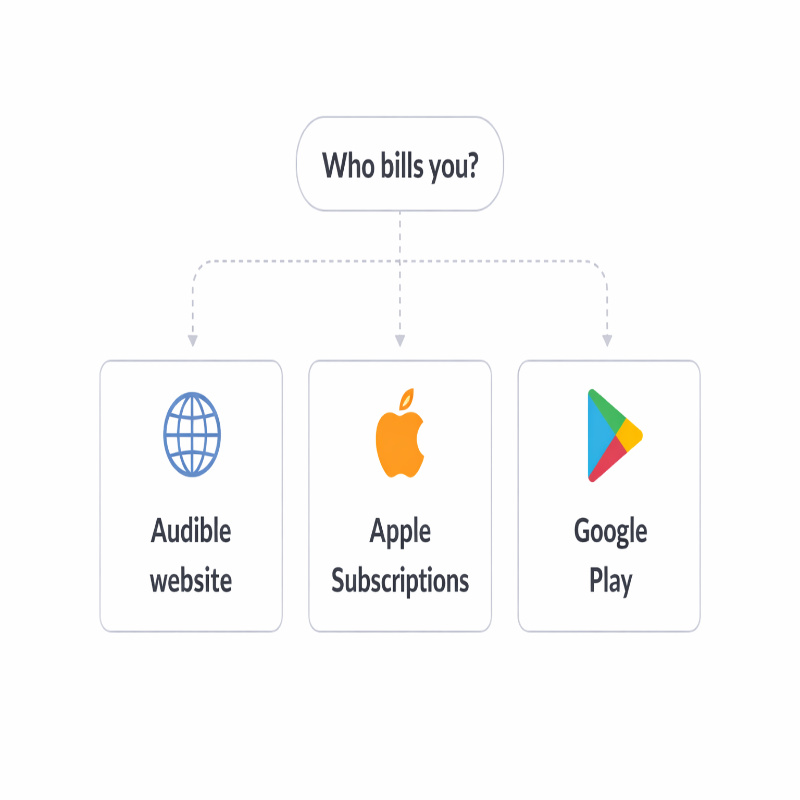
If you joined through Audible directly, you cancel on the Audible website. If you subscribed on an iPhone or iPad, you cancel in Apple Subscriptions.
If you subscribed through Google Play on Android, you cancel in Google Play. That “cancel it where you bought it” rule is the most important thing to get right. It’s also why so many people feel like the cancel button is “missing.”
In this pillar guide, I’ll walk you through each cancellation path, what happens after you cancel, and the real-world fixes when something doesn’t match the instructions. I’ll also link out to focused device guides along the way (so you can get out of here quickly if you’re in a hurry).
First, figure out who’s billing you
I know, it sounds obvious. But if you cancel in the wrong place, you can spend ten minutes clicking around and still get charged next month. So let’s do a quick “billing owner” check before we touch anything.
- Audible/Amazon is billing you if you signed up on the Audible website and you don’t see Audible listed in Apple Subscriptions or Google Play Subscriptions.
Pocket-lint notes that if your membership isn’t managed through Apple or Google Play (or Audible doesn’t appear there), you can cancel on Audible’s website. - Apple is billing you if you see Audible in iOS Settings under Subscriptions and it shows as active.
- Google Play is billing you if you see Audible under Google Play subscriptions for the Google account you used on your Android device.
Google also emphasizes you must be signed into the Google account that has the subscriptions.
If you already know you’re on iPhone, you may prefer the dedicated walkthrough: how to cancel Audible membership on iPhone. If you’re on Android, this version tends to be easier to follow on a small screen: how to cancel Audible membership on Android.
How to cancel audible membership on the Audible website
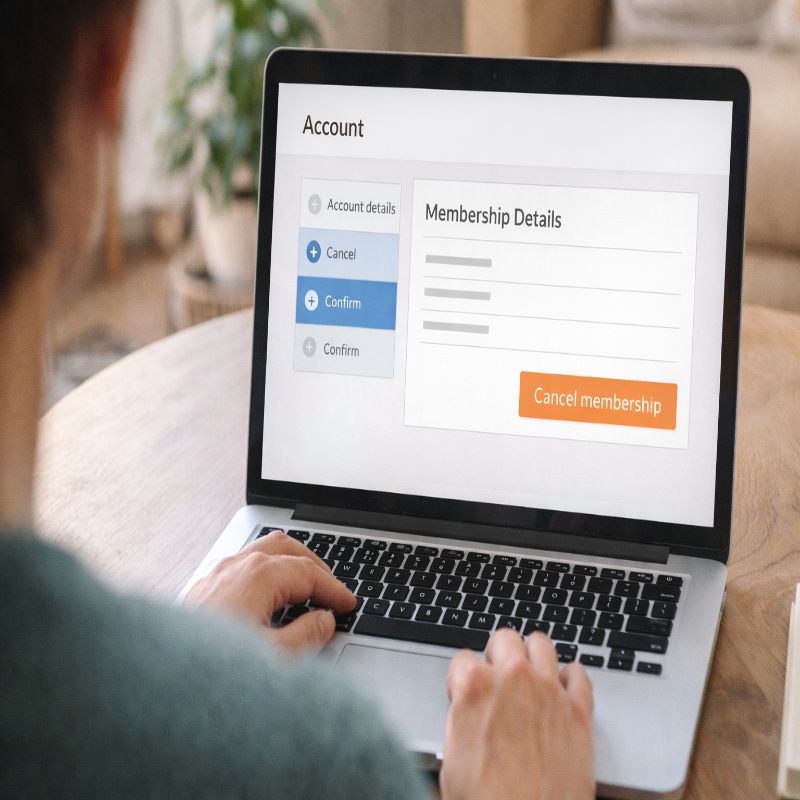
Use this method if your membership is not managed through Apple or Google Play. Pocket-lint describes the core flow like this: go to the Audible site for your region, open Account Details, then select Cancel membership under your membership information. After you follow the prompts, you should receive an email confirmation.
Step-by-step: cancel on Audible (web)
- Open a browser and go to the Audible website for your region.
- Sign in to the account that is actually being billed. If you have multiple emails, take an extra second here. This is a sneaky source of “it didn’t cancel.”
- Go to Account Details.
- Select Cancel membership under the membership information box.
- Choose a reason if prompted, and keep going until you reach a final confirmation screen.
- Look for a confirmation email afterward. Pocket-lint says you should receive one.
A quick heads-up, because it’s a very human moment: you may see a few screens that encourage you to stay (discounts, “pause instead,” that kind of thing). If you genuinely want to cancel, you’ll need to continue through those prompts until the cancellation is confirmed.
If you hit a wall—no cancel option, weird redirects, or you’re positive you’re signed in but it’s still not there—use this troubleshooting guide: can’t cancel Audible membership. It’s designed for the messy cases, not the ideal ones.
Common snag: trying to cancel inside the Audible app
Some guides point out that the Audible app may not show a clear cancellation option and you may need to use a browser instead. MakeHeadway even says it directly: the Audible app doesn’t have a cancel option and you’ll need to cancel on the website (and you’ll get an email once it’s done). If you’ve been tapping around inside the app and getting nowhere, it’s not you.
Cancel Audible on iPhone or iPad (Apple billing)
If you subscribed through Apple, you cancel via Apple Subscriptions in iOS Settings.
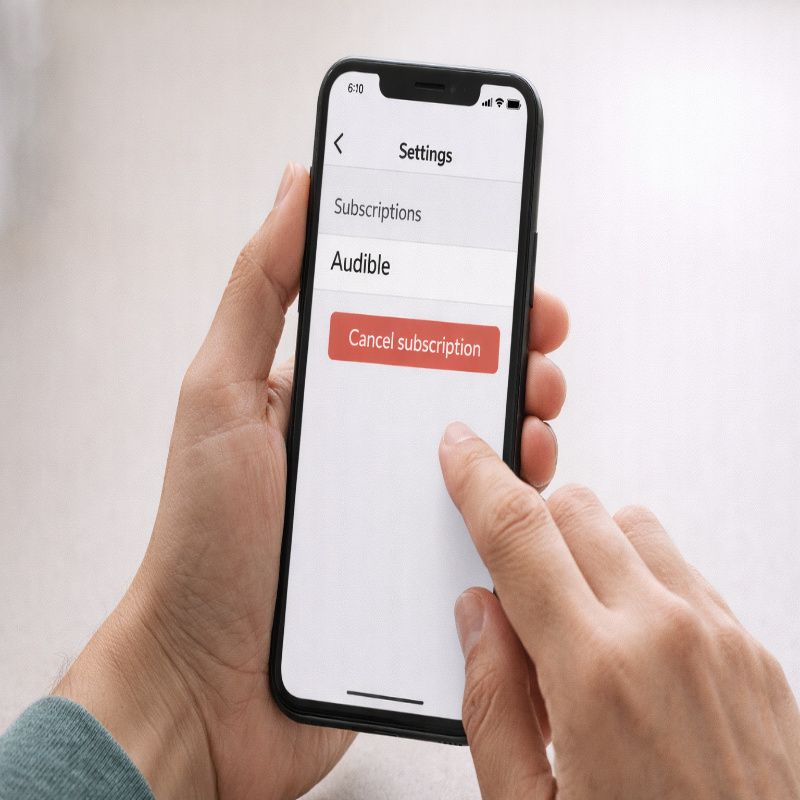
Pocket-lint’s iOS path is: open Settings, tap your name, go to Subscriptions, tap Audible, then tap Cancel Subscription.
And if you don’t see “Cancel Subscription,” Pocket-lint says the subscription is already canceled and won’t renew.
Step-by-step: cancel Audible through Apple Subscriptions
- Open Settings on your iPhone or iPad.
- Tap your name (your Apple ID).
- Tap Subscriptions.
- Select Audible.
- Tap Cancel Subscription, then confirm.
If you’d like a version of this that’s written specifically for iPhone screens (with a bit more reassurance about what you should see), you can use: cancel Audible membership on iPhone. I know it sounds redundant, but when you’re doing this in real time, device-specific instructions can be oddly comforting.
Cancel Audible on Android (Google Play billing)
If Google Play is billing you, canceling is done in Google Play subscriptions. The biggest misconception here is thinking “I deleted the app, so it’s canceled.” Google is very clear: when you uninstall an app, your subscription won’t cancel. So yes, uninstalling Audible might remove temptation, but it won’t stop billing by itself.
Step-by-step: cancel in the Google Play Store app
Pocket-lint’s Android cancellation steps are simple: open Google Play Store, open your profile menu, go to Payments and subscriptions, then Subscriptions, locate Audible, and tap Cancel Subscription.
- Open the Google Play Store app.
- Tap your profile icon to open the menu.
- Tap Payments & subscriptions, then Subscriptions.
- Select Audible.
- Tap Cancel subscription and follow the prompts.
Prefer a computer? Cancel on play.google.com
Google provides a desktop flow too, and it’s nice if you’d rather see everything on one screen. The key steps are: open your subscriptions, select the subscription, click Manage, then Cancel subscription, choose a reason, and continue.
- On your computer, go to Google Play subscriptions.
- Find the subscription and click Manage.
- Click Cancel subscription.
- Choose a reason, then continue to confirm.
If you want an Android-only version of this (including the “wrong Google account” problem, which happens more than anyone likes to admit), you’ll probably like this guide: cancel Audible membership on Android.
What happens after you cancel (so you can relax)
Once you cancel, you typically care about two things: whether you’ll be charged again, and whether you still have access until the end of the period you paid for. Google explains that stopping renewal means you won’t be charged on your next renewal date, and you can continue to access your content until then. In other words, “canceled” often means “will not renew,” not “immediately shuts off.”
Keep proof: email confirmations and subscription status
Pocket-lint notes you should receive an email confirmation after canceling on Audible’s website. For Apple and Google Play, your subscription manager is usually the best confirmation: it should show an end date or a non-renewing status. I like to screenshot that screen. It’s not glamorous, but it prevents second-guessing later.
Don’t assume a charge means cancellation failed
This is where things get slightly confusing. If you cancel after a billing cycle begins, you may still see that charge because it already happened. Google also notes that once your payment method is charged for a payment plan, you can’t cancel remaining payments for that plan, but you can stop it from auto-renewing. So the timeline matters, and it’s worth checking the renewal date listed in your subscription details.
Before you click cancel: credits, books, and “should I use them first?”
People ask about this constantly, and the answers aren’t always presented consistently across the internet.
Pocket-lint says that if you cancel, you’ll lose any unused credits, but you keep audiobooks you already purchased in your library. That’s why many guides recommend spending your credits before you cancel.
My cautious, editor-brain suggestion is: if your account shows unused credits, consider using them first—especially if you see any cancellation screen warning about credits.
If you’re canceling out of frustration and don’t want to browse right now, pick a safe choice (a book you already know you’ll finish, or something short). It’s not mandatory, but it can prevent that “oh no, I left value on the table” feeling.
When you can’t find the cancel option (or it feels like it vanished)
If you’ve followed the steps and still can’t find where to cancel, it usually comes down to one of a few issues.
The good news is that none of them are mysterious. The bad news is that they’re annoying in the moment.
The most common causes
- You’re signed into the wrong account. Google explicitly reminds users to sign in to the Google account that has the subscriptions.
If you have multiple Google accounts on your phone, switching accounts can immediately “make it appear.” - You subscribed through Apple/Google Play, but you’re trying to cancel on Audible.
Pocket-lint’s guidance implies the reverse check too: if you do see Audible under Apple/Google subscriptions, cancel it there. - You’re trying to cancel by uninstalling the app. Google says uninstalling an app will not cancel the subscription.
If you want a structured troubleshooting flow (what to check first, second, third), go here: can’t cancel Audible membership. That article is intentionally practical. It doesn’t assume everything is working perfectly.
Cancel vs pause: do you actually need to end it?
I’m including this because a surprising number of people don’t want to quit Audible forever—they just want it to stop for a little while. Pocket-lint mentions Audible offers a pause option for up to three months once every twelve months for certain memberships. If you’re mostly canceling because you’re not listening right now, pausing might be a better fit. And if you’re canceling because you’re done, you’re done. No judgment. In that case, stick to the cancel steps above and treat the pause option as background noise.
FAQ: quick answers to common questions
Can I cancel Audible from my phone?
Yes, but the method depends on where you subscribed. Pocket-lint outlines phone-friendly routes for iOS (Settings → Apple ID → Subscriptions) and Android (Google Play → Payments & subscriptions → Subscriptions), and it also notes you can cancel on Audible’s website if the membership isn’t managed by Apple or Google Play.
Does deleting Audible cancel the subscription?
No. Google explicitly states that uninstalling an app won’t cancel your subscription. You have to cancel via your subscription manager.
How do I know it actually canceled?
Pocket-lint says you should receive an email confirmation after canceling on Audible’s website. For Google Play, your subscription page is the most reliable confirmation, and Google notes you can view the renewal date there (or in the email receipt). For Apple, the Subscriptions screen typically shows whether it’s active and when it ends.
Conclusion
The simplest way to handle how to cancel audible membership is to cancel it where you signed up: Audible website for Audible-managed plans, Apple Subscriptions for iPhone and iPad sign-ups, and Google Play Subscriptions for Android sign-ups.
If you confirm the status afterward (email confirmation on Audible web, subscription status in Apple/Google), you’re usually in the clear.
If the steps don’t match what you see on your screen—missing cancel buttons, wrong account, charges that don’t line up—start with this can’t-cancel troubleshooting guide. It’s the fastest way to go from “stuck” to “resolved” without spiraling into random forum threads.